The practical differences
JustSets vs Strong, side by side.
Both apps log strength workouts. The choice comes down to the features you use and where you want your training data to live. This comparison is written by the maker of JustSets.
Core features and purchase options| What matters | JustSets | Strong |
|---|
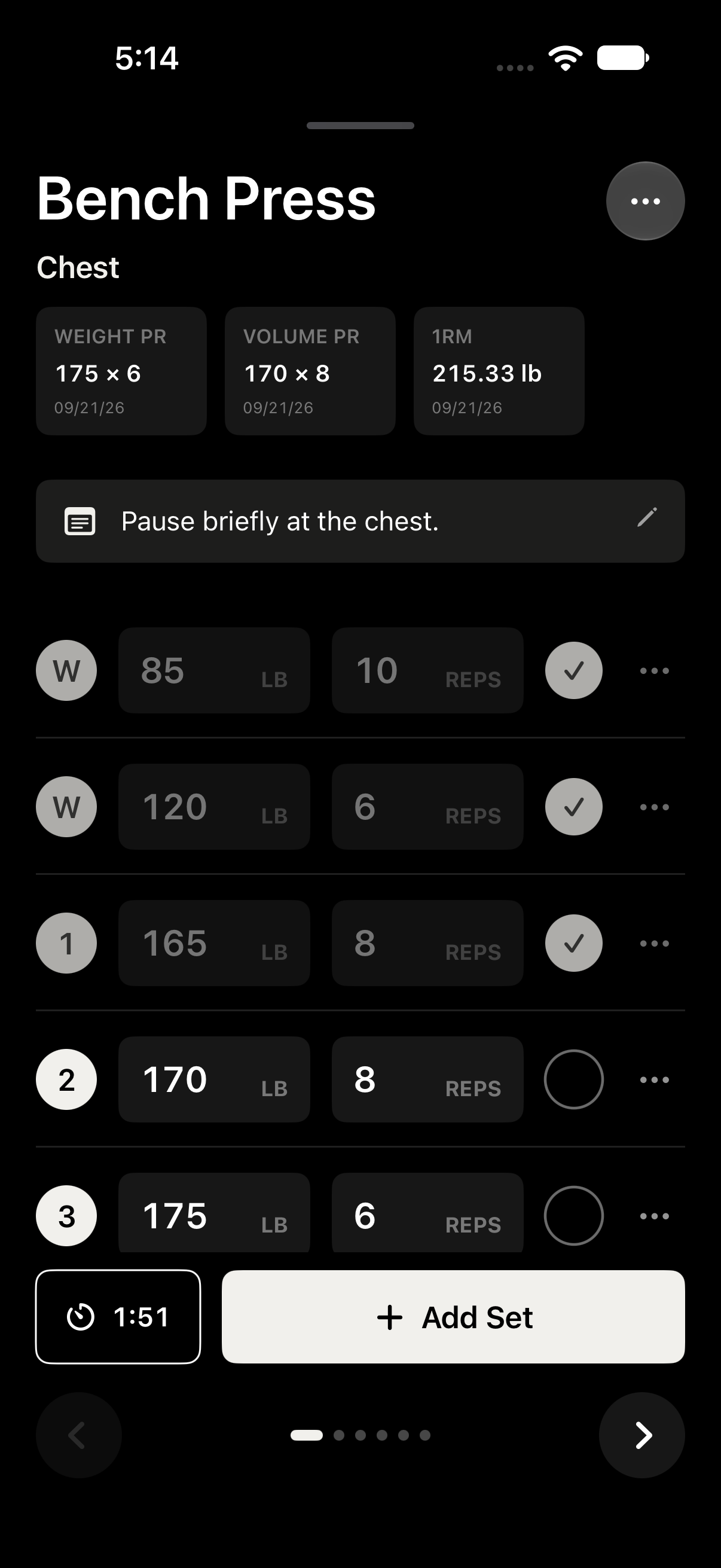
| Workout logging | Sets, reps, weights, warmups, rest timers, and history. | Sets, reps, weights, rest timers, and multiple exercise types. |
|---|
| Free templates | One workout template. | Three custom routines. |
|---|
| Paid options | $14.99 one-time Pro unlock. | $4.99/month or $29.99/year; PRO Forever purchases also listed. |
|---|
| Data and privacy | No account, ads, or third-party analytics. Workout data stays on your device unless you share it. | Cloud sync; its App Store privacy label discloses data that may be linked to you. |
|---|
| Platforms | iPhone and iPad, iOS/iPadOS 17 or later. No Apple Watch or Android app. | iPhone, Android, and Apple Watch. |
|---|
| Moving history | Strong CSV import with Pro; JustSets JSON backup and restore are free. | CSV export. |
|---|
Checked October 11, 2026 against Strong’s US App Store listing, Strong’s website, and the JustSets listing. Prices are in USD; current offers and regional prices may differ.
Choose the log that suits your routine.
Why choose JustSets?
You want to log on your iPhone, keep your workout data local, and use the essentials for free. If you want more templates, charts, Home Screen training widgets, or Strong import, Pro is a one-time purchase.
See the free and Pro featuresWhen Strong may fit better
You depend on Apple Watch logging, Android support, or cloud sync. Its free tier also gives you more saved routines. Those are useful differences to weigh before switching.
Bring your history · Pro
Switch from Strong without starting your log over.
Strong can export your workouts as a CSV file. JustSets reads that file on your device and previews the supported data before you import it.
Export from Strong
In Strong on iPhone, open Settings and choose Export Strong Data. Save the CSV to Files. See Strong’s export instructions.
Open the file in JustSets
With Pro unlocked, go to Settings → Data & Import → Import from Strong and choose your CSV.
Review, then import
Check the workout, exercise, and set counts, plus any warnings or skipped rows. Confirm the weight unit if the file does not specify it, then tap Import workouts.
Keep your original CSV. Import covers supported workout history, rather than every Strong feature or saved routine. Imported workouts are not automatically exported to Apple Health.
Good to know
A few common questions.
Can I bring my Strong workout history?
Yes. JustSets Pro imports supported workout data from a Strong CSV export. You can review the import before confirming it. Importing history does not recreate your saved Strong routines as JustSets templates.
Does JustSets include Home Screen widgets?
Yes. JustSets Pro includes This Week and Training Calendar widgets, each in small and medium sizes. This Week shows weekly workout activity; its medium size adds working sets, training time, and muscle coverage. Training Calendar marks completed workout days for the current month and adds a monthly workout total in its medium size. Both work offline from local data.
Does JustSets have an Apple Watch app?
No. JustSets is an iPhone and iPad app. If logging from your wrist is essential, Strong’s Apple Watch app may be a better fit.
Is Strong available without a subscription too?
Strong has a free tier, and its US App Store listing includes Strong PRO Forever purchases as well as subscriptions. Check the current offers in Strong before deciding. JustSets offers free core tracking with an optional one-time Pro unlock.